Getting started
Your first panel
Add a resource to a panel, give it a policy, and fill in its form and table.
Create a resource
php artisan make:xelqun-resource Product
This creates a resource and a policy for the model. A panel made with make:xelqun-panel picks the resource up by itself, and it joins the sidebar and the New button.
namespace App\Xelqun\Admin\Resources;

use App\Models\Product;
use Xelqun\Forms\Components\TextInput;
use Xelqun\Panels\Resources\Resource;
use Xelqun\Tables\Columns\TextColumn;

class ProductResource extends Resource
{
    protected static string $model = Product::class;

    protected static ?string $recordTitleAttribute = 'name';

    protected static ?string $navigationIcon = 'package';

    public static function form(): array
    {
        return [
            TextInput::make('name')->required()->maxLength(255),
            TextInput::make('price')->numeric()->required(),
        ];
    }

    public static function columns(): array
    {
        return [
            TextColumn::make('name')->searchable()->sortable(),
            TextColumn::make('price')->money('USD')->sortable(),
        ];
    }
}
Fill in the policy
A resource shows nothing until its policy allows it. With no policy, or no such method, the answer is no. This differs from Filament, which allows by default.
class ProductPolicy
{
    public function viewAny(User $user): bool
    {
        return true;
    }

    public function view(User $user, Product $product): bool
    {
        return true;
    }

    public function create(User $user): bool
    {
        return $user->is_admin;
    }

    public function update(User $user, Product $product): bool
    {
        return $user->is_admin;
    }

    public function delete(User $user, Product $product): bool
    {
        return $user->is_admin;
    }
}
Open /admin/products, and you have list, create, edit and view pages.
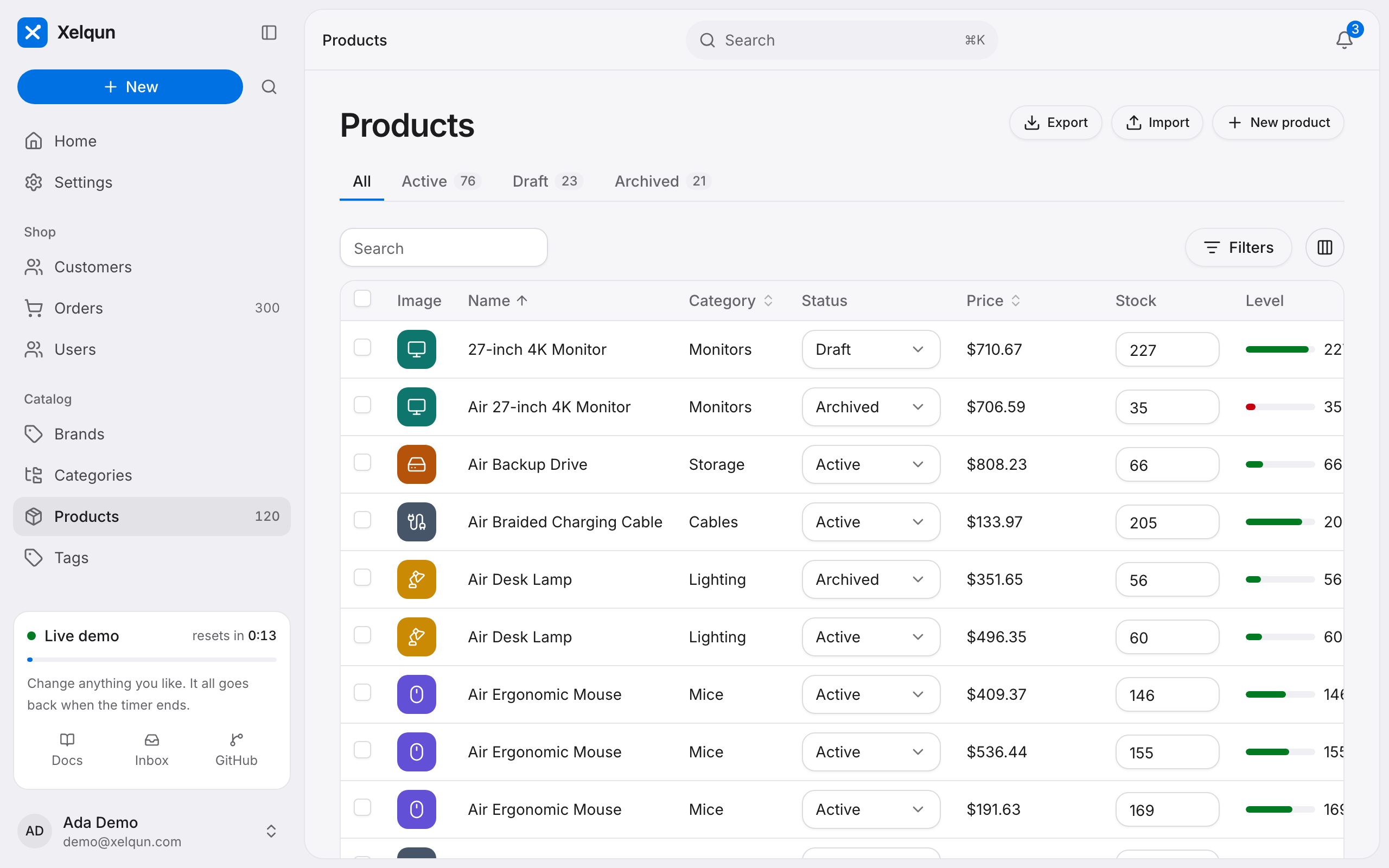
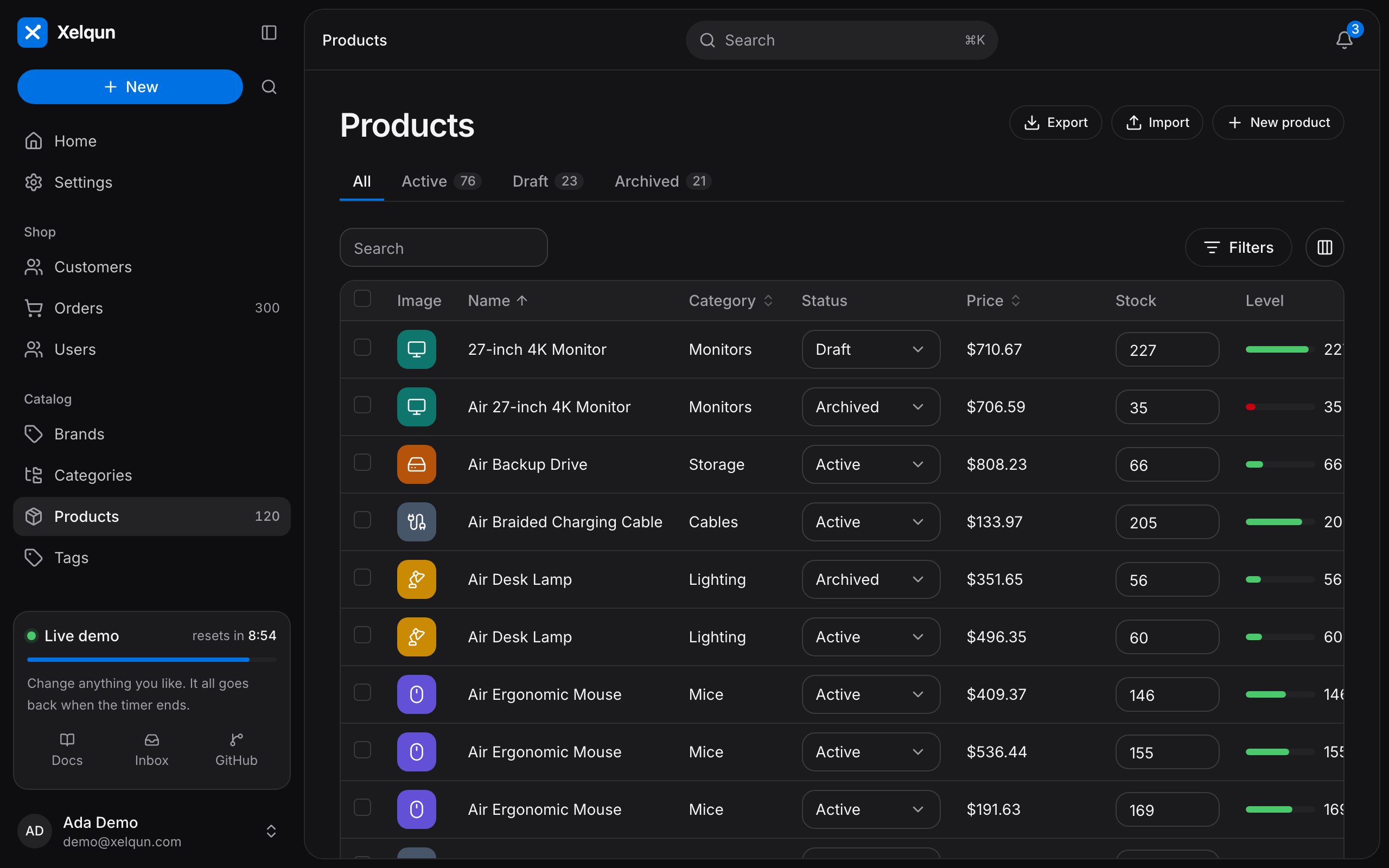
With more columns, tabs and filters, a list can look like this one from the demo.
Other generators
| Command | Creates |
|---|---|
make:xelqun-page |
A custom page |
make:xelqun-widget |
A dashboard widget |
make:xelqun-relation-manager |
A table of a relationship |
See all commands.