Panel
Pages
Add pages to a panel with header actions, tables, forms and your own Vue.
php artisan make:xelqun-page Reports
use Xelqun\Actions\Action;
use Xelqun\Panels\Pages\Page;

class Reports extends Page
{
    protected static ?string $navigationIcon = 'chart-column';

    public function headerActions(): array
    {
        return [Action::make('export')->authorize('export')->action(fn () => null)];
    }

    public function content(): array
    {
        return [ReportsTable::make()];
    }
}
content() takes tables, action sets and FormContent.
use Xelqun\Panels\Pages\FormContent;

public function content(): array
{
    return [new FormContent(SettingsForm::make(), route('settings.update'))];
}
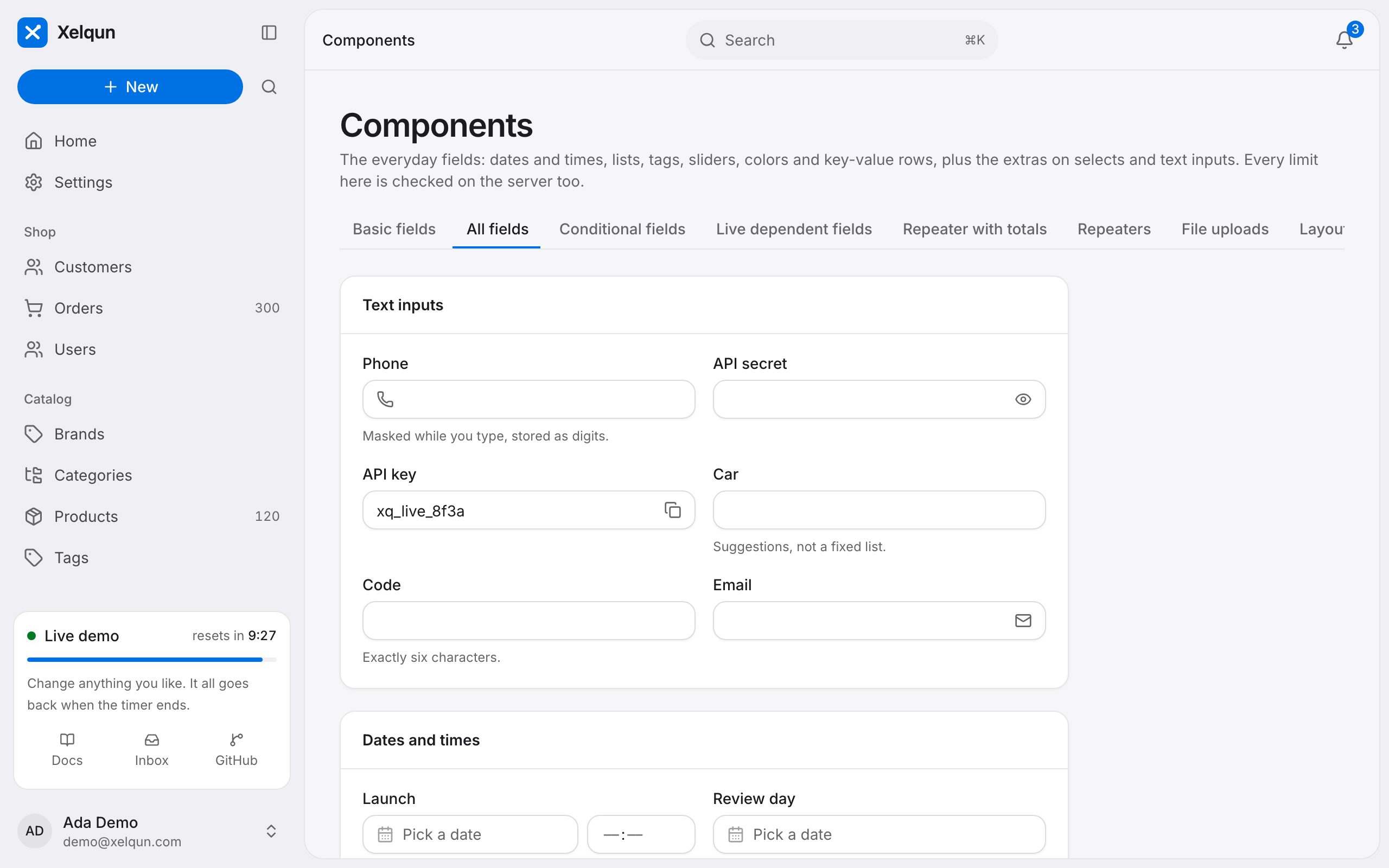
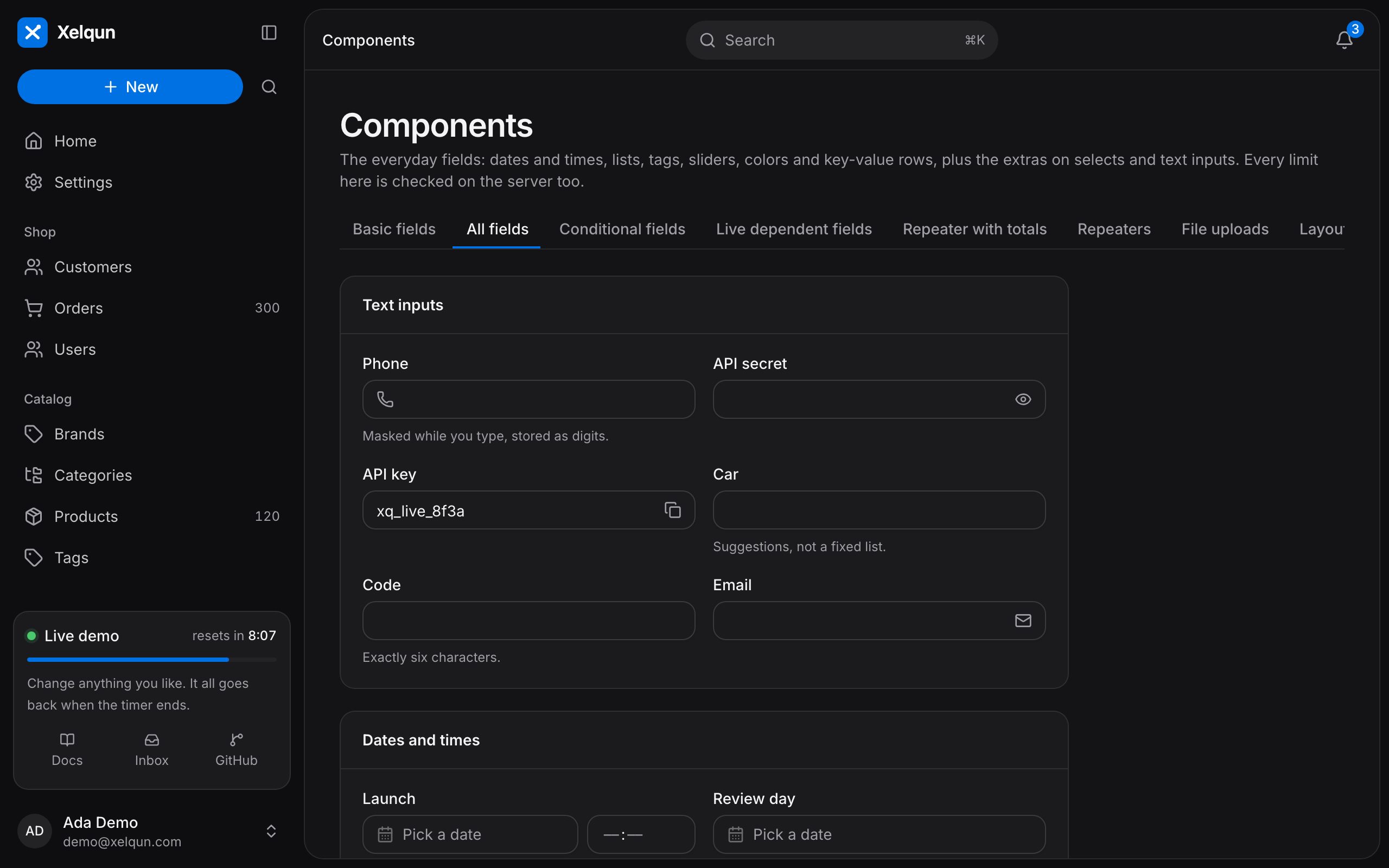
What you can set
| Method | What it does |
|---|---|
getHeading(), getSubheading(), getEyebrow() |
The text at the top. |
getBreadcrumbs() |
The breadcrumbs. |
getTabs() |
Tabs above the content. |
getSubNavigation() |
Tabs across the page. |
canAccess() |
Who may open it. |
getNavigationBadge() |
A count in the sidebar. |
shouldRegisterNavigation() |
Whether it joins the sidebar. |
Your own Vue page
Override getComponent() to render your own Vue page, and use XqPanelLayout as its layout to stay inside the panel.