Panel
Navigation
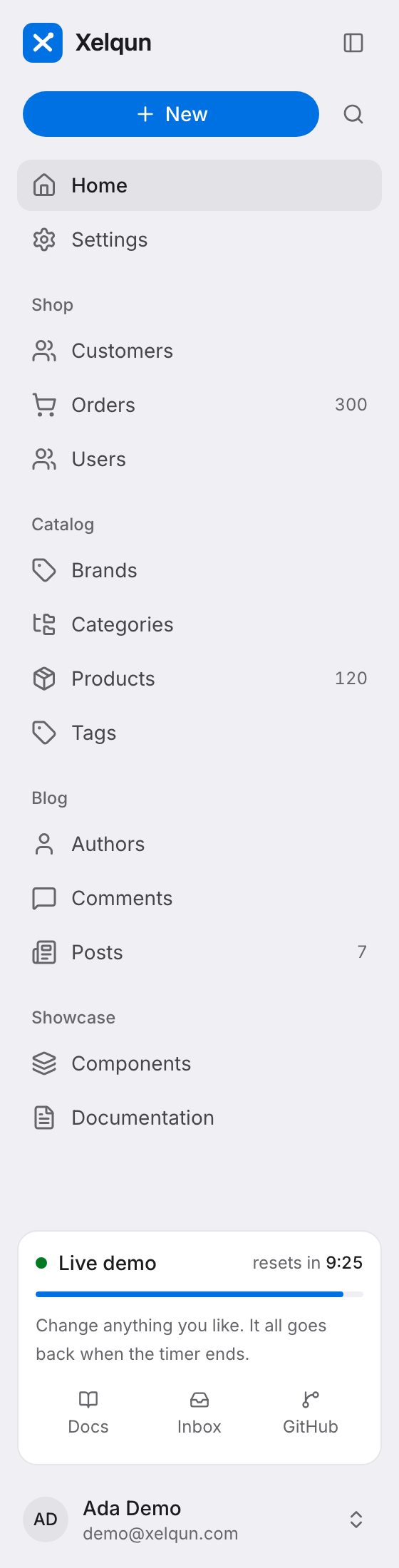
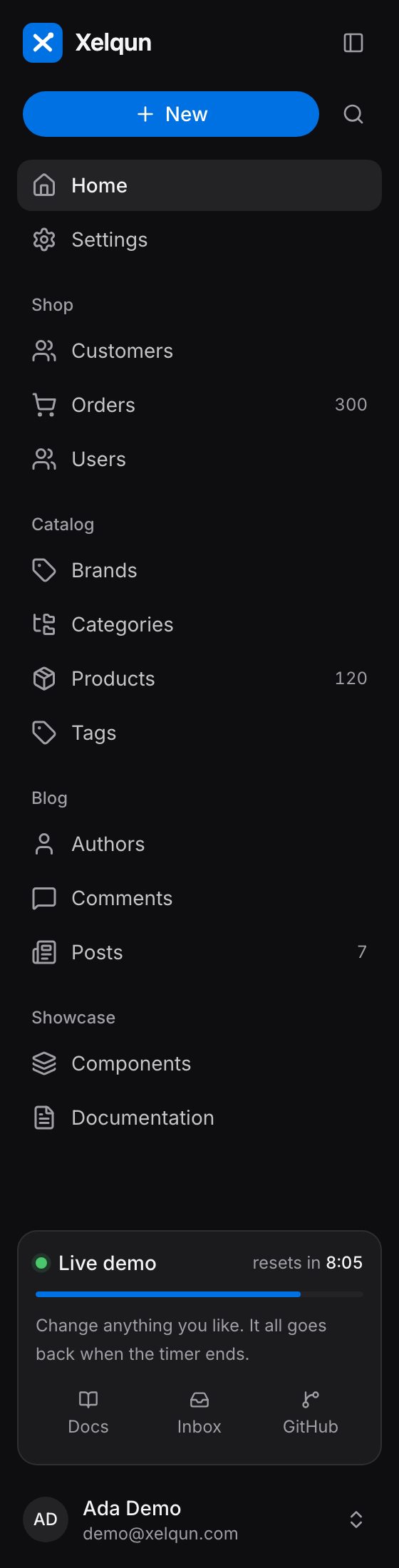
Groups, items, clusters, the sidebar card, the user menu and top navigation.
Groups
navigationGroups() sets their order.
$panel->navigationGroups(['Shop', 'Catalog', 'Blog']);
Items
navigationItems() adds links of your own.
use Xelqun\Panels\Navigation\NavigationItem;

$panel->navigationItems([
    NavigationItem::make('Docs')
        ->icon('file-text')
        ->group('Help')
        ->sort(2)
        ->badge('New')
        ->url(fn (): string => route('docs')),
]);
Clusters
Clusters put several pages and resources behind one sidebar link, with tabs between them. Extend Cluster, then set $cluster on each member. The link goes to the first member the user can reach.
use Xelqun\Panels\Navigation\Cluster;

class Settings extends Cluster
{
    protected static ?string $navigationIcon = 'settings';
}
protected static ?string $cluster = Settings::class;
Members keep their own URLs, with no shared prefix.
The sidebar card
use Xelqun\Panels\Navigation\SidebarCard;

$panel->sidebarFooter(fn (): SidebarCard => SidebarCard::make('Credits')
    ->icon('zap')
    ->badge('Pro')
    ->value('760', 'left of 2,000')
    ->progress(0.38)
    ->footer('Resets Nov 1')
    ->link('Upgrade', route('billing')));
The user menu
$panel->userMenuItems([NavigationItem::make('Billing')->url(fn (): string => route('billing'))]);
Top navigation
topNavigation() moves the navigation across the top, in place of the sidebar. Phones keep the drawer.
Breadcrumbs
breadcrumbs(false) removes them.