Actions
Import and export
Download a list as CSV, and read one back in through the resource's form.
use Xelqun\Panels\Actions\ExportAction;
use Xelqun\Panels\Actions\ImportAction;

public static function getHeaderActions(): array
{
    return [ExportAction::for(static::class), ImportAction::for(static::class)];
}
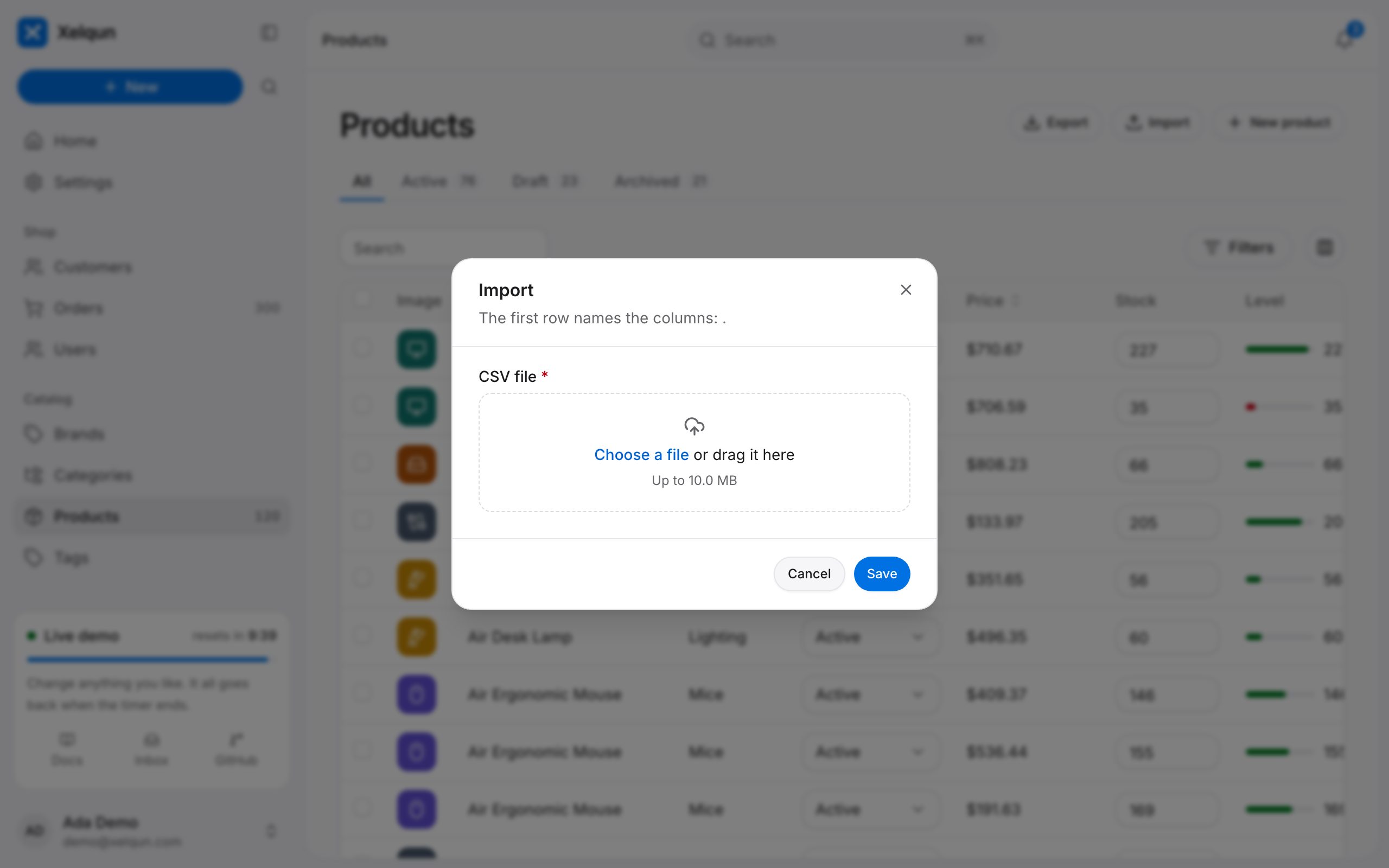
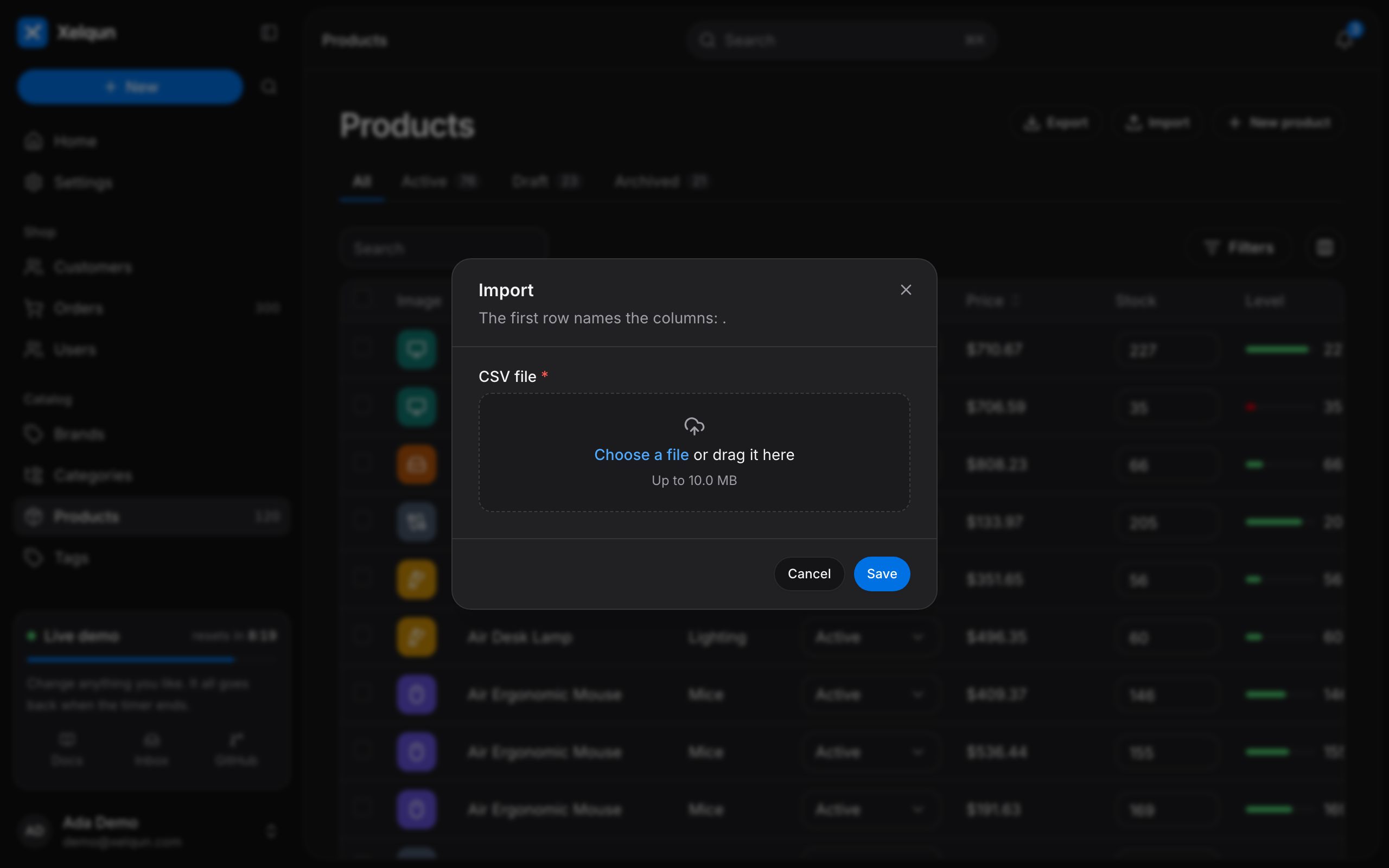
Export
Export downloads the list as CSV, inside getEloquentQuery() and the current tab, using the table's columns. Override getExportColumns() to change them. Any cell that a spreadsheet would run as a formula is kept as text.
Import
Import reads a CSV whose first row names the columns. Each row goes through the resource's form, so it gets the same validation, hooks and tenant as a record typed in, and bad rows are counted and skipped. Only columns from getImportColumns() are read.
Import runs in the request and stops at 1,000 rows, with no queue or column mapping. Export is CSV only, and ignores table filters.