Infolists
Entries
Text, icon, image, color, code, key-value and repeatable entries.
An entry takes the options of its table column, so a value reads the same in both places.
| Entry | Shows |
|---|---|
TextEntry |
Text, badges, dates and money |
IconEntry |
An icon, or a true or false value |
ImageEntry |
An image |
ColorEntry |
A color swatch |
CodeEntry |
Text in a monospaced block. An array shows as JSON. |
KeyValueEntry |
Pairs of keys and values |
RepeatableEntry |
Rows of entries from a relationship or list |
use Xelqun\Panels\Infolists\CodeEntry;
use Xelqun\Panels\Infolists\ColorEntry;
use Xelqun\Panels\Infolists\KeyValueEntry;
use Xelqun\Panels\Infolists\RepeatableEntry;
use Xelqun\Panels\Infolists\TextEntry;

ColorEntry::make('accent');

CodeEntry::make('snippet');

KeyValueEntry::make('specs');

RepeatableEntry::make('items')->schema([
    TextEntry::make('product'),
    TextEntry::make('subtotal')->money('USD'),
]);
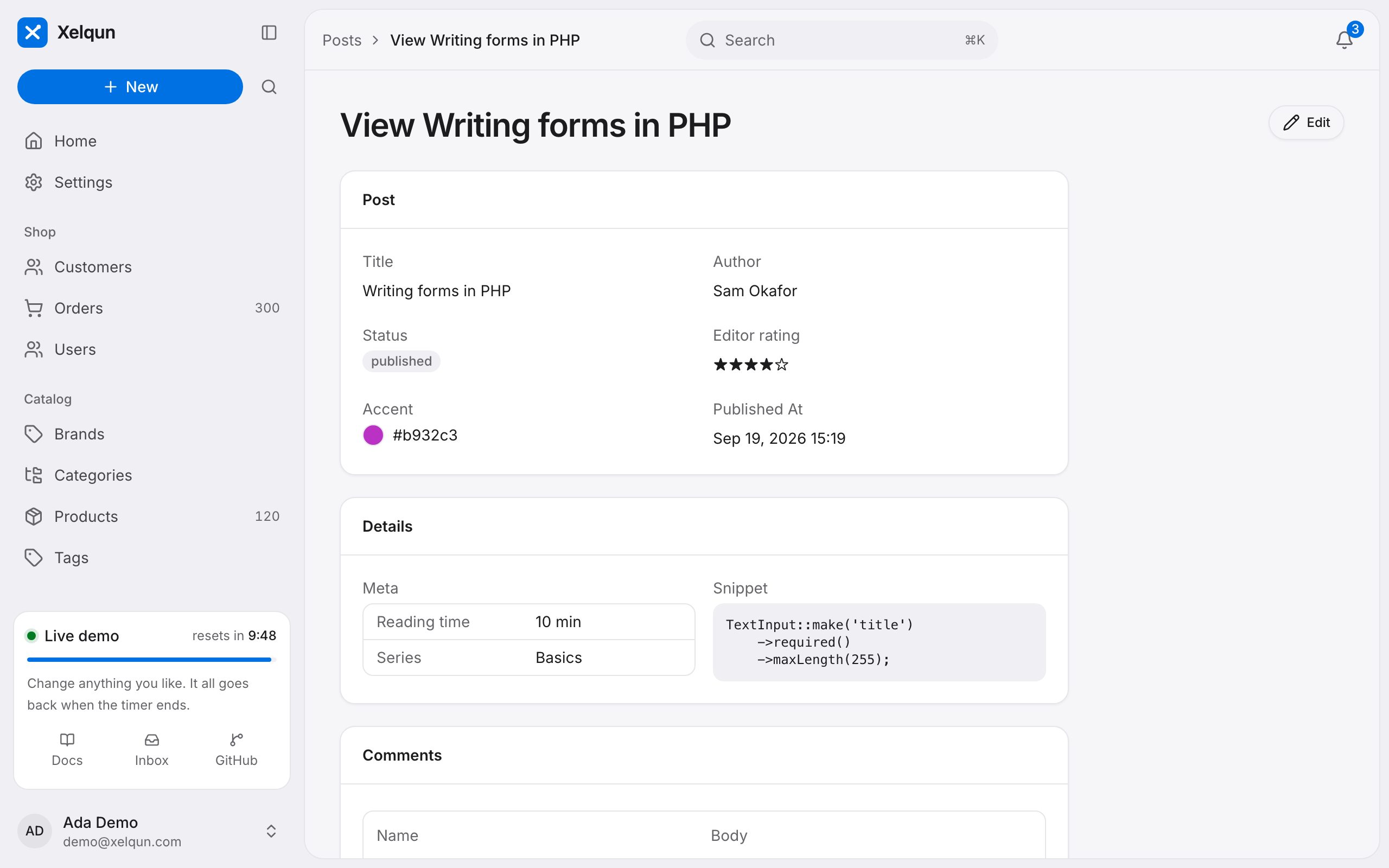
Each takes label(), state(), formatStateUsing(), color(), icon() and url().