Authentication
Two-factor
Authenticator apps, email codes and recovery codes, with no extra dependency.
$panel->multiFactorAuthentication();                    // optional for each user
$panel->multiFactorAuthentication(isRequired: true);    // nobody gets past the profile page without it
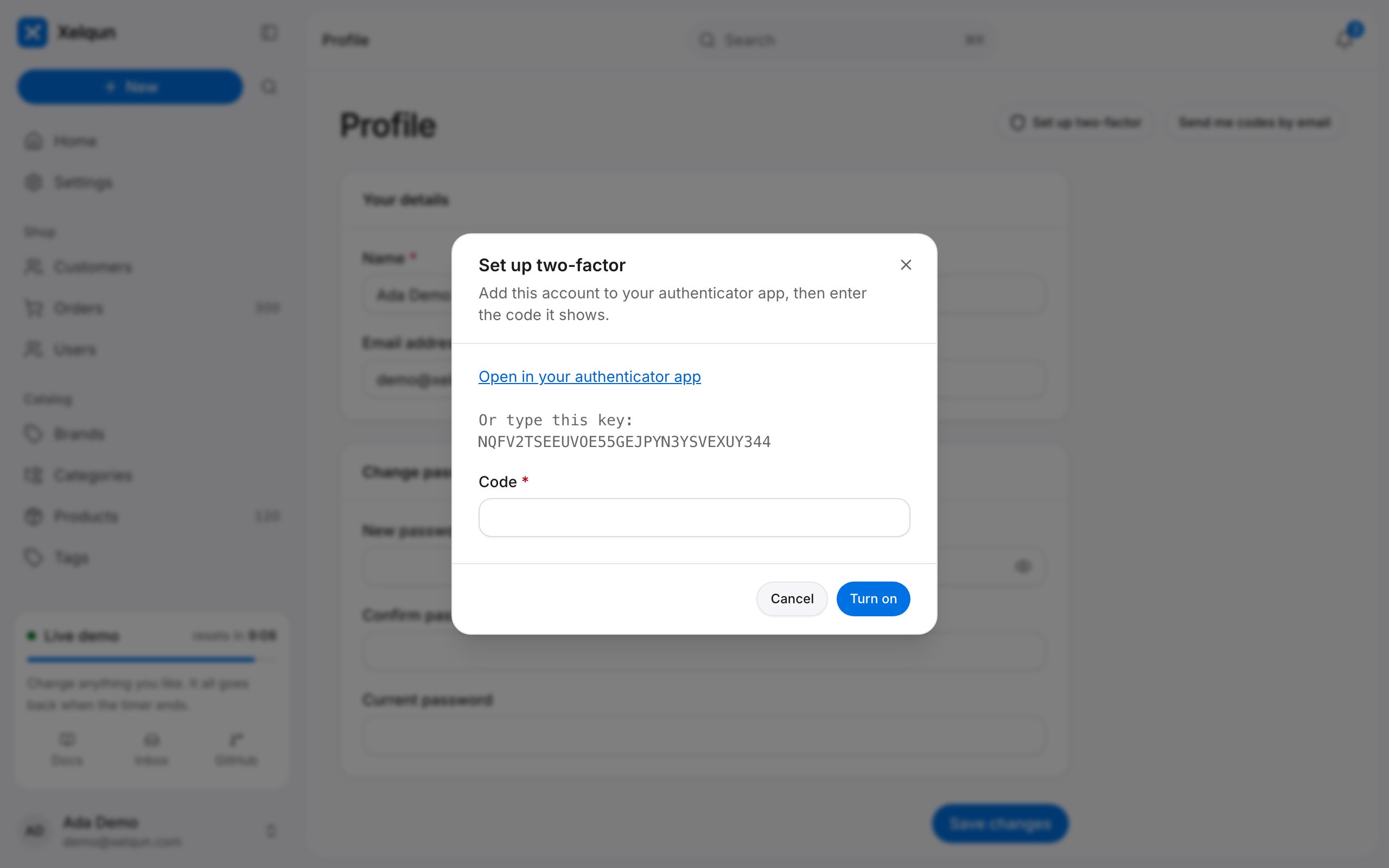
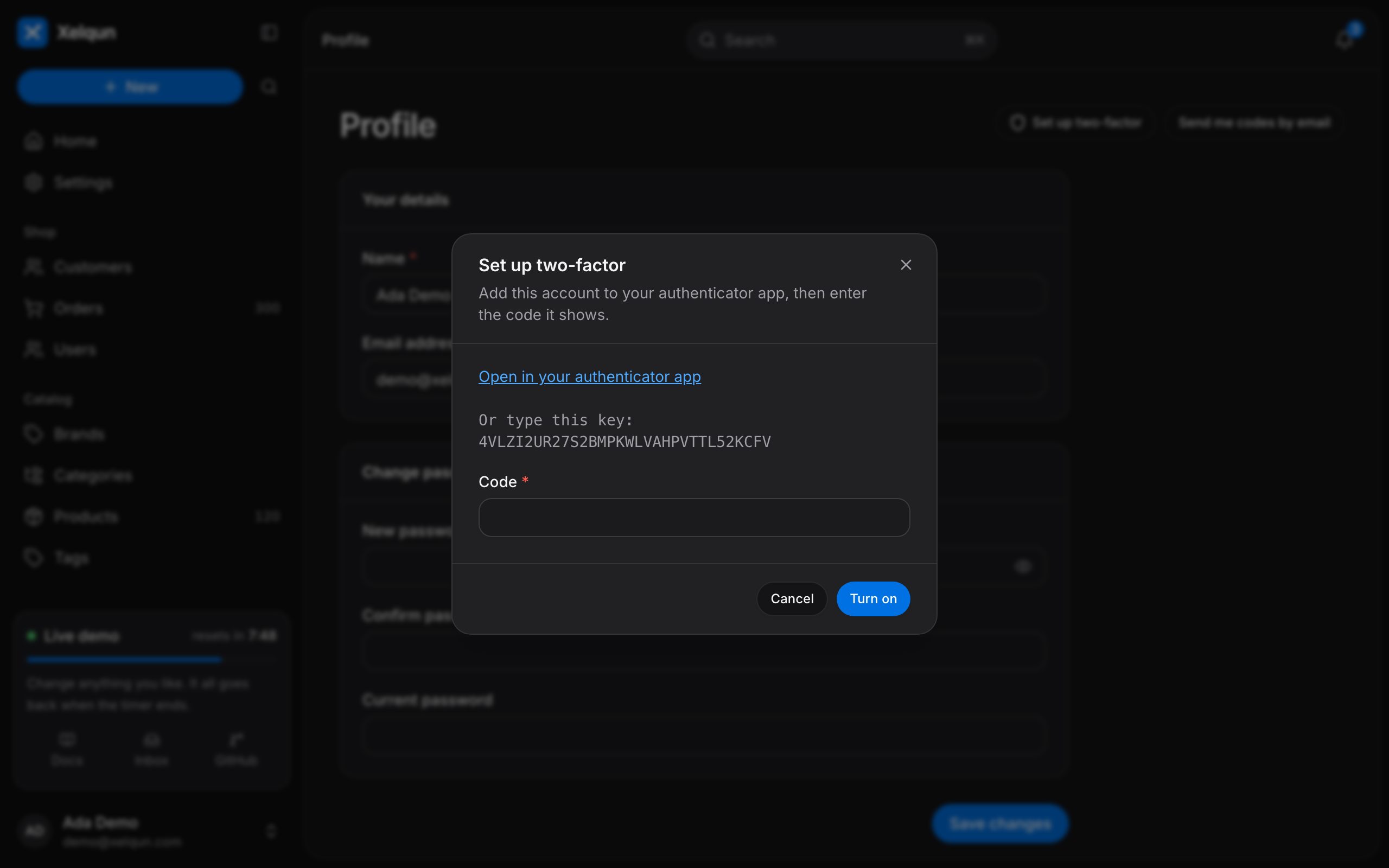
Add the columns, then put HasAppAuthentication and the InteractsWithAppAuthentication trait on your user model. People turn it on from the profile page.
php artisan vendor:publish --tag=xelqun-panels-mfa
use Xelqun\Panels\Auth\Concerns\InteractsWithAppAuthentication;
use Xelqun\Panels\Contracts\HasAppAuthentication;

class User extends Authenticatable implements HasAppAuthentication
{
    use InteractsWithAppAuthentication;
}
How it works
It's the standard 30 second, 6 digit TOTP that any authenticator app reads, with 8 recovery codes. A code works once, guesses are limited to 5 a minute, and the right password alone never gets anyone in.
It's checked on every page and token of the panel, so signing in through your app's own login can't get around it, and a remember-me login is asked for a code again in a new session. Secrets are encrypted, and only hashes of recovery codes are kept.
Setup gives a link and a key to type, with no QR code, because that would need a new dependency.
Email codes
emailAuthentication() lets people get a 6 digit code by email at sign in. Add HasEmailAuthentication to the user model, and the same trait covers it.
$panel->emailAuthentication();
The code is kept only as a hash, works once, and ends with the 5 minute challenge. It's weaker than an authenticator, because anyone in the mailbox can read it.
Register an account in the demo, then open your profile. The shared demo account can't turn this on.