Introduction
What is Xelqun?
Xelqun is an open-source stack for building forms, tables and admin panels in PHP, rendered with Inertia and Vue on Laravel.
Introduction
Xelqun lets you build forms, tables and admin panels for a Laravel app in PHP. You write a class that says what a form, a table or a panel contains, and Xelqun turns it into a working Vue interface. It validates what people send, saves it to Eloquent, and checks permissions along the way.
Most of the time you won't write any Vue. When you need something custom, you can add your own components, or write that page in Vue and keep the rest in PHP.
Here's a whole resource. This one class gives you a list, create, edit and view pages for a model.
use App\Models\Product;
use Xelqun\Forms\Components\TextInput;
use Xelqun\Panels\Resources\Resource;
use Xelqun\Tables\Columns\TextColumn;

class ProductResource extends Resource
{
    protected static string $model = Product::class;

    protected static ?string $recordTitleAttribute = 'name';

    public static function form(): array
    {
        return [
            TextInput::make('name')->required()->maxLength(255),
            TextInput::make('price')->numeric()->required(),
        ];
    }

    public static function columns(): array
    {
        return [
            TextColumn::make('name')->searchable()->sortable(),
            TextColumn::make('price')->money('USD')->sortable(),
        ];
    }
}
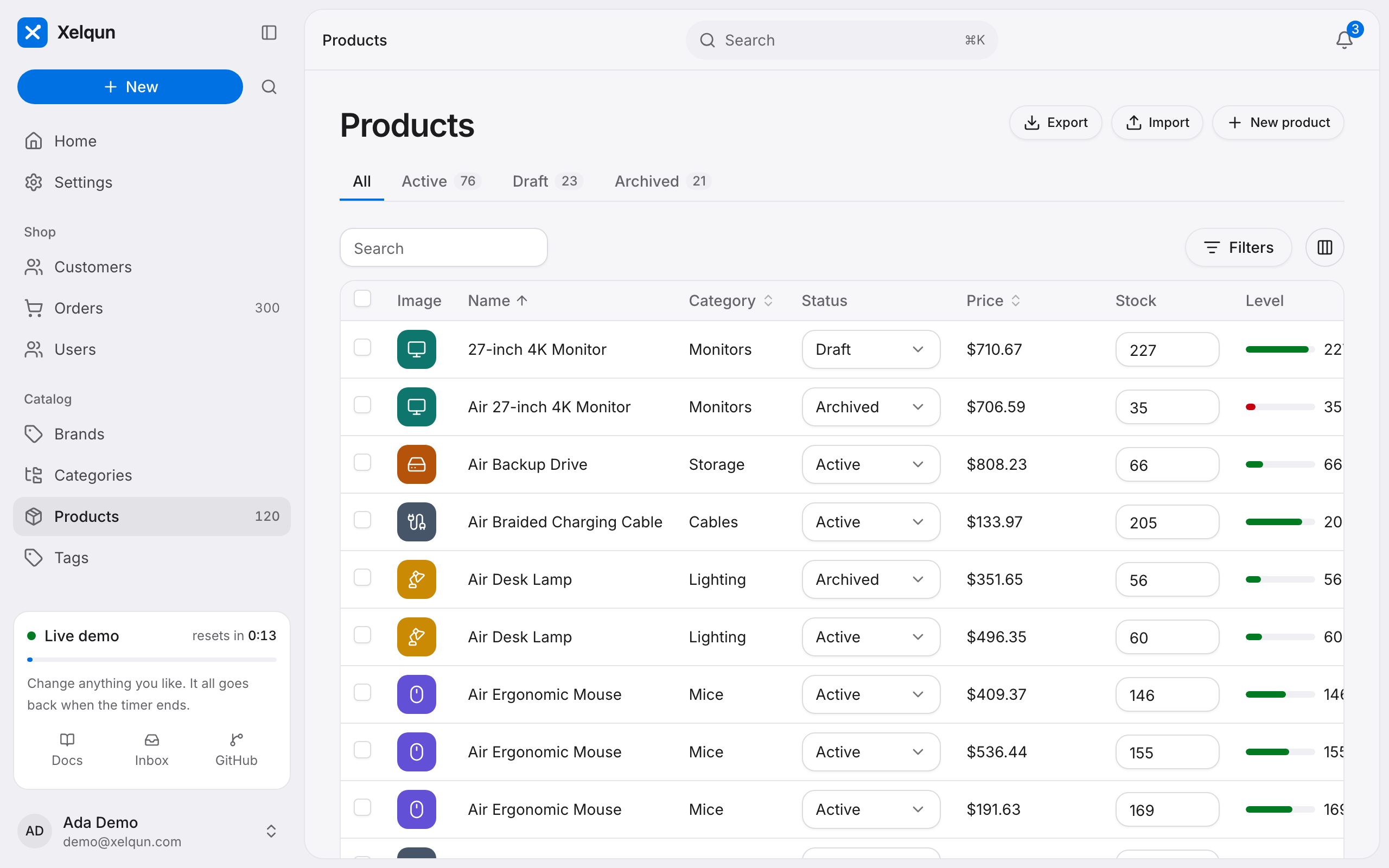
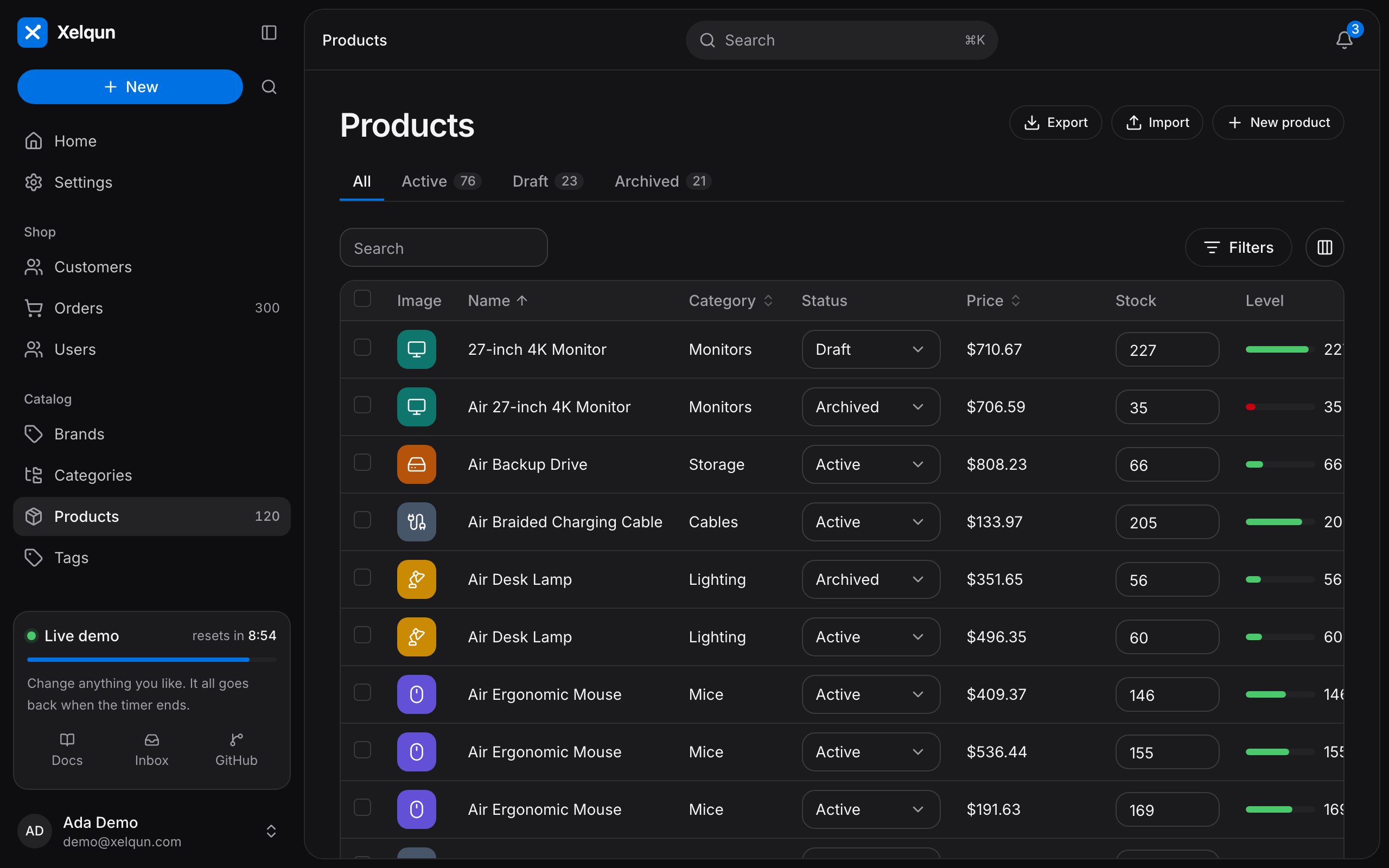
Here's a products list built this way. This one is from the demo, with more columns than the class above, and you can sign in with one click.
How it works
Every part of Xelqun works the same way:
- PHP describes it. Your class is turned into plain data, and that's sent to the page as an Inertia prop.
- Vue draws it. The components read that data and render the form or table. You don't write them.
- The server decides. Anything that matters is checked again on the server, on every request.
Rules that don't need the database, such as showing a field or adding up a total, run right in the browser, so the page feels instant. They're worked out again on the server when the form is sent, so the browser is never trusted.
Packages
Xelqun is three packages. Each one builds on the one before it, so you can start small.
| Package | Use it for | Needs |
|---|---|---|
| Forms | Forms on any Inertia page, with validation, relationships, uploads and wizards. Actions and notifications come with it. | Nothing else |
| Tables | Tables with sorting, search, filters, bulk actions and inline editing. | Forms |
| Panels | Full admin panels with sign in, CRUD pages, dashboards, tenancy and global search. | Forms and Tables |
If you're building an admin area, start with Panels. If you only want a good form or table on a page of your own, install just that package.
Plugins
Other packages can add to Xelqun. A plugin can bring new fields and columns that work like the built-in ones, or bundle resources and pages for a panel.
Customizing the appearance
A panel takes its colors, font and logos from PHP, and has light and dark themes. Text stays readable whatever color you pick.
Everything else is a CSS token, so you can restyle the whole interface without touching a component. For something more particular, you can replace how a field renders, or put your own Vue in the shell with render hooks.
Testing
Forms, tables and panels each come with helpers for Pest and PHPUnit. They run the same endpoints the browser uses, so a test covers your rules, your actions and your permissions.
When Xelqun is a good fit
Xelqun suits you if you're on Laravel with Inertia and Vue, and you want to build admin panels, internal tools, dashboards or customer portals quickly. It's made for anything that's mostly forms and tables.
It's less of a fit in these cases:
- You need stability today. Xelqun is pre-alpha, and a minor version can break your code. See version support.
- Your app uses Livewire. Xelqun is for Inertia and Vue. Filament, which inspired Xelqun, is the mature choice for Livewire, and has a large plugin ecosystem.
- You want a one-of-a-kind design. A marketing site or a highly custom interface is better written by hand.
The limits of tables and the comparison with Filament show what isn't built yet.