Infolists
Overview
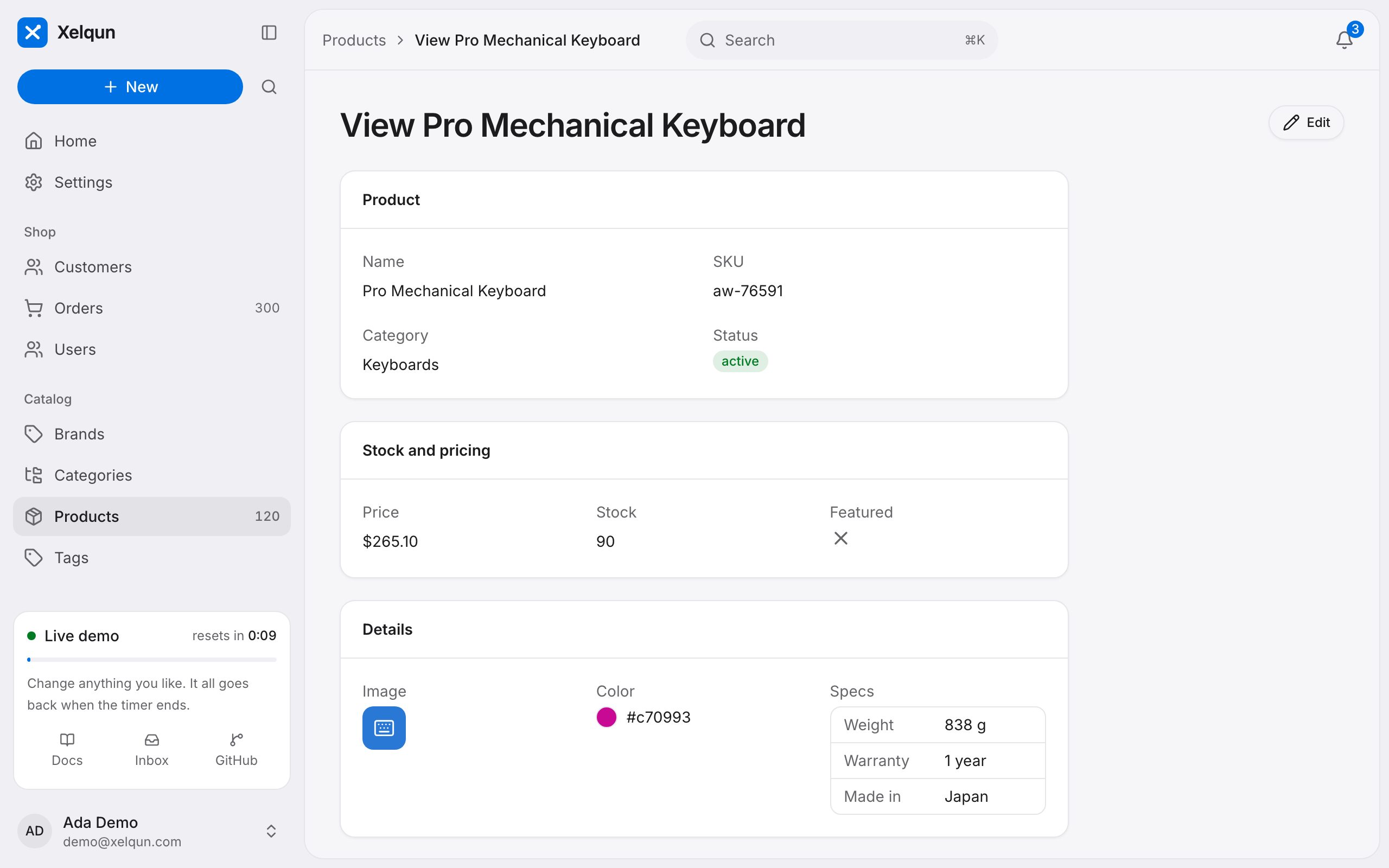
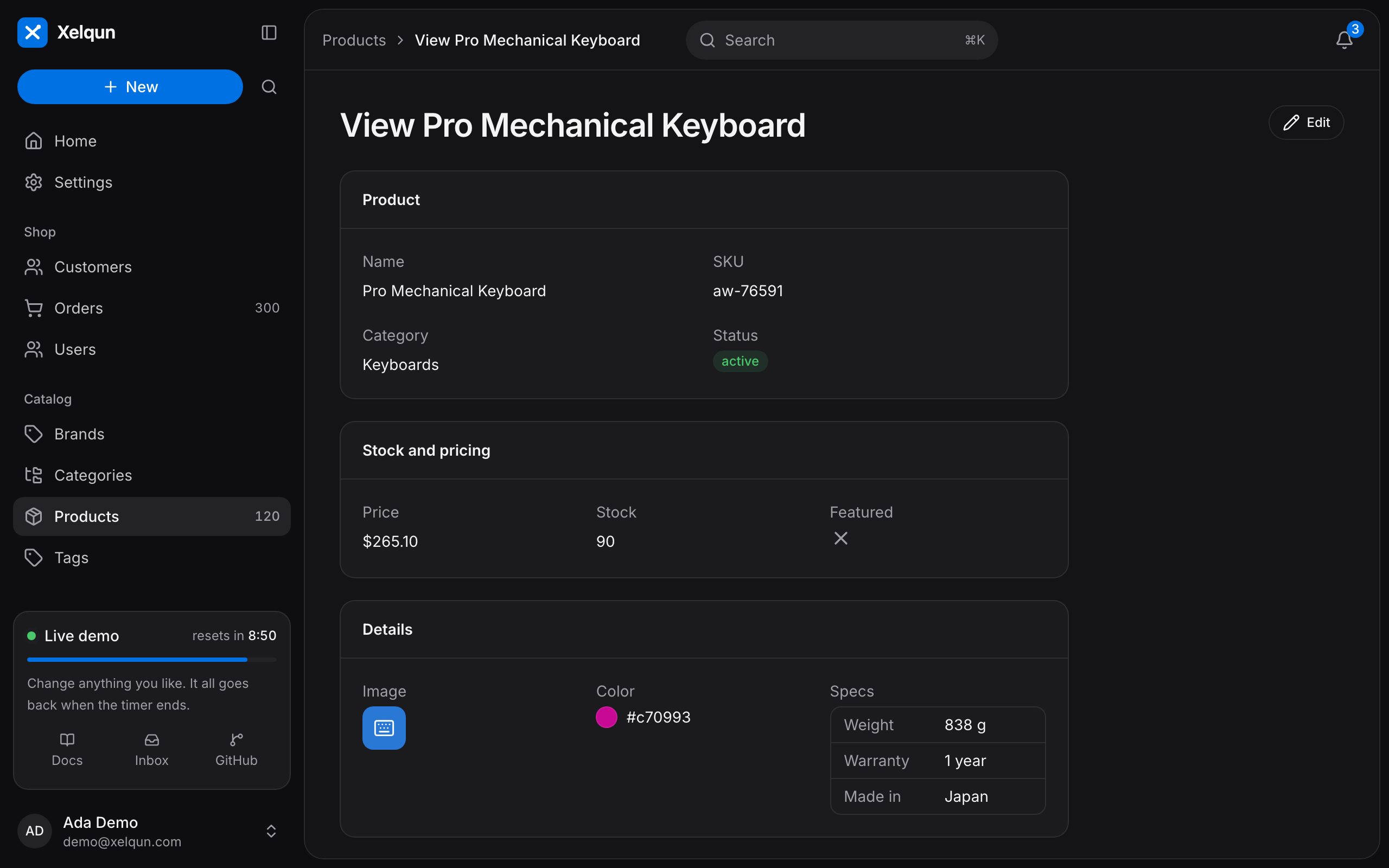
Give a view page real values instead of a disabled form.
An infolist shows a record on its view page. Entries take the same options as table columns, and sit in any of forms' layouts.
use Xelqun\Forms\Layouts\Section;
use Xelqun\Panels\Infolists\IconEntry;
use Xelqun\Panels\Infolists\ImageEntry;
use Xelqun\Panels\Infolists\TextEntry;

public static function infolist(): array
{
    return [
        Section::make('Product')->columns(2)->schema([
            TextEntry::make('name'),
            TextEntry::make('category.name')->label('Category'),
            TextEntry::make('status')->badge()->color('success'),
            TextEntry::make('price')->money('USD'),
            IconEntry::make('is_featured')->boolean(),
            ImageEntry::make('image')->disk('public'),
        ]),
    ];
}