Getting started
Multiple panels and domains
Run several panels in one app, each with its own path or its own domain.
An app can hold several panels, each with its own provider, navigation and auth.
php artisan make:xelqun-panel Workspace
$panel->id('workspace')->path('workspace');
Two panels can't share an id, or the same path on the same domain.
A panel on its own domain
domain() puts a panel on its own host. With path('') it sits at the root of that domain.
$panel->id('admin')->domain('admin.example.com')->path('');
Without a domain, a panel answers on every host. With one, it only answers on that host. Panels on different domains can share a path.
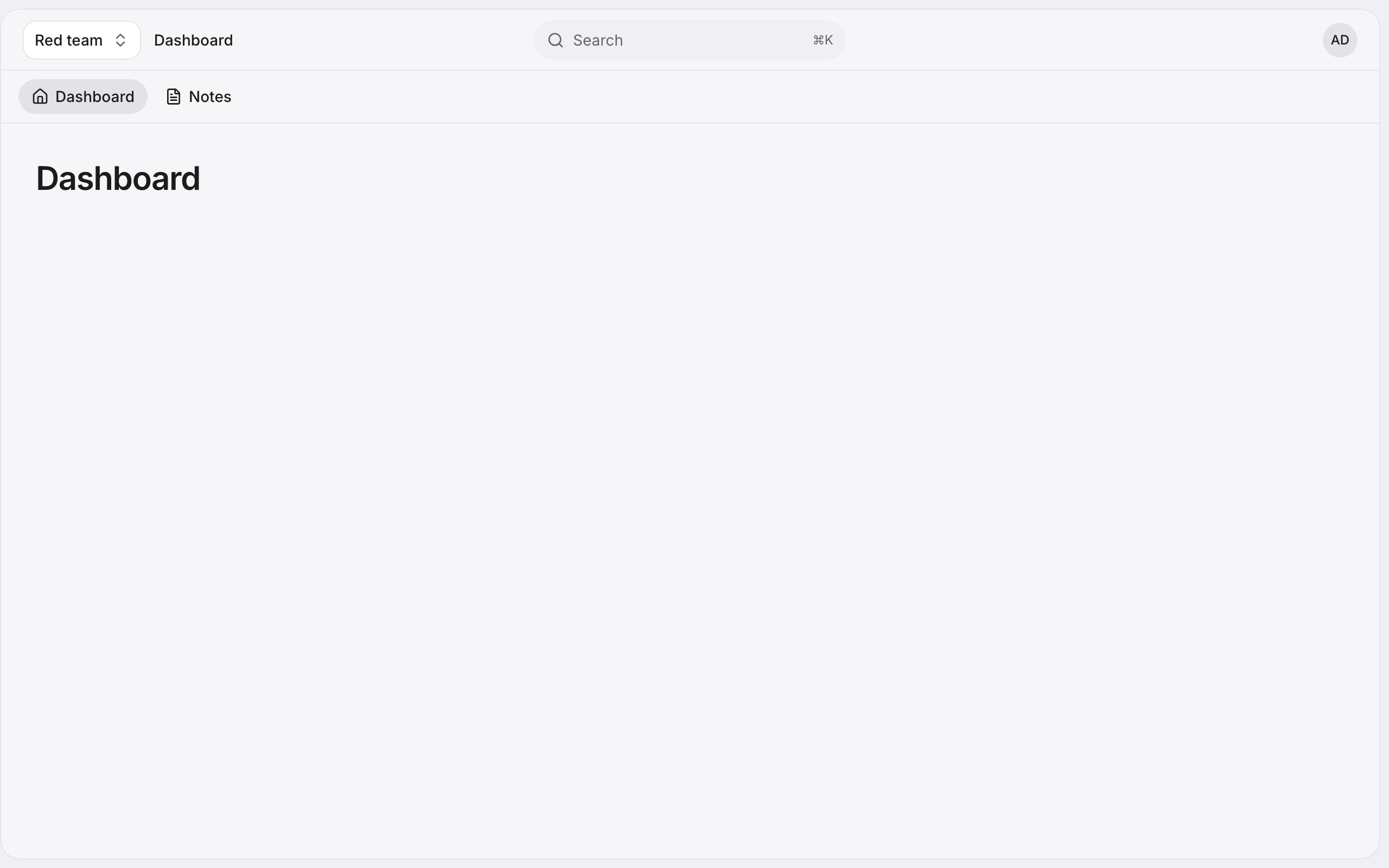
This is how the demo runs: its panel sits at the root of its own domain, beside the docs you're reading.
Separate logins
authGuard() gives a panel its own session guard, and authPasswordBroker() its own password broker.
$panel->authGuard('admin')->authPasswordBroker('admins');
canAccessPanel() gets the panel, so one user can reach some panels and not others.
public function canAccessPanel(Panel $panel): bool
{
    return $panel->getId() === 'admin' ? $this->is_admin : true;
}
Signing out of one panel signs out of the others in that session.